Everything inside Dora CRM
A tour of what you can do in the app today, from the first inquiry to the final document.
Core records
The records your agency works with every day, connected to each other.
Opportunities
Track opportunities with status, source, type, contact preference, last contact date and a price range. Filter the list by status, source, type, price and area.
Kanban board
Drag opportunity cards between columns. Columns follow your own status values, and each card shows the type, source and assigned agent.
Customers
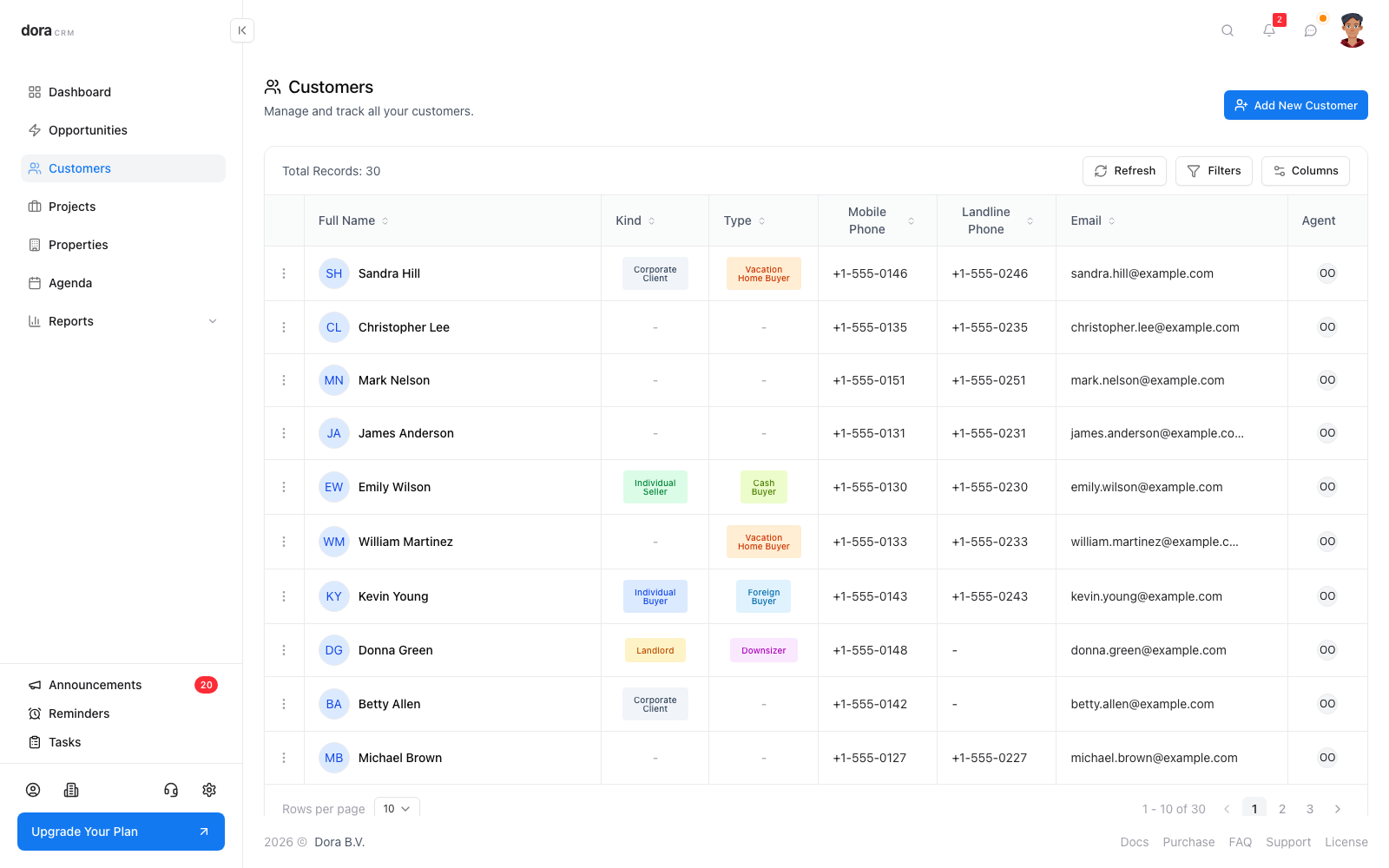
Store contact details, budget, important dates and profile information such as profession and field of activity.
Projects
Manage projects with a stage, sales contact details and amenities, and relate properties and opportunities to them.
Properties
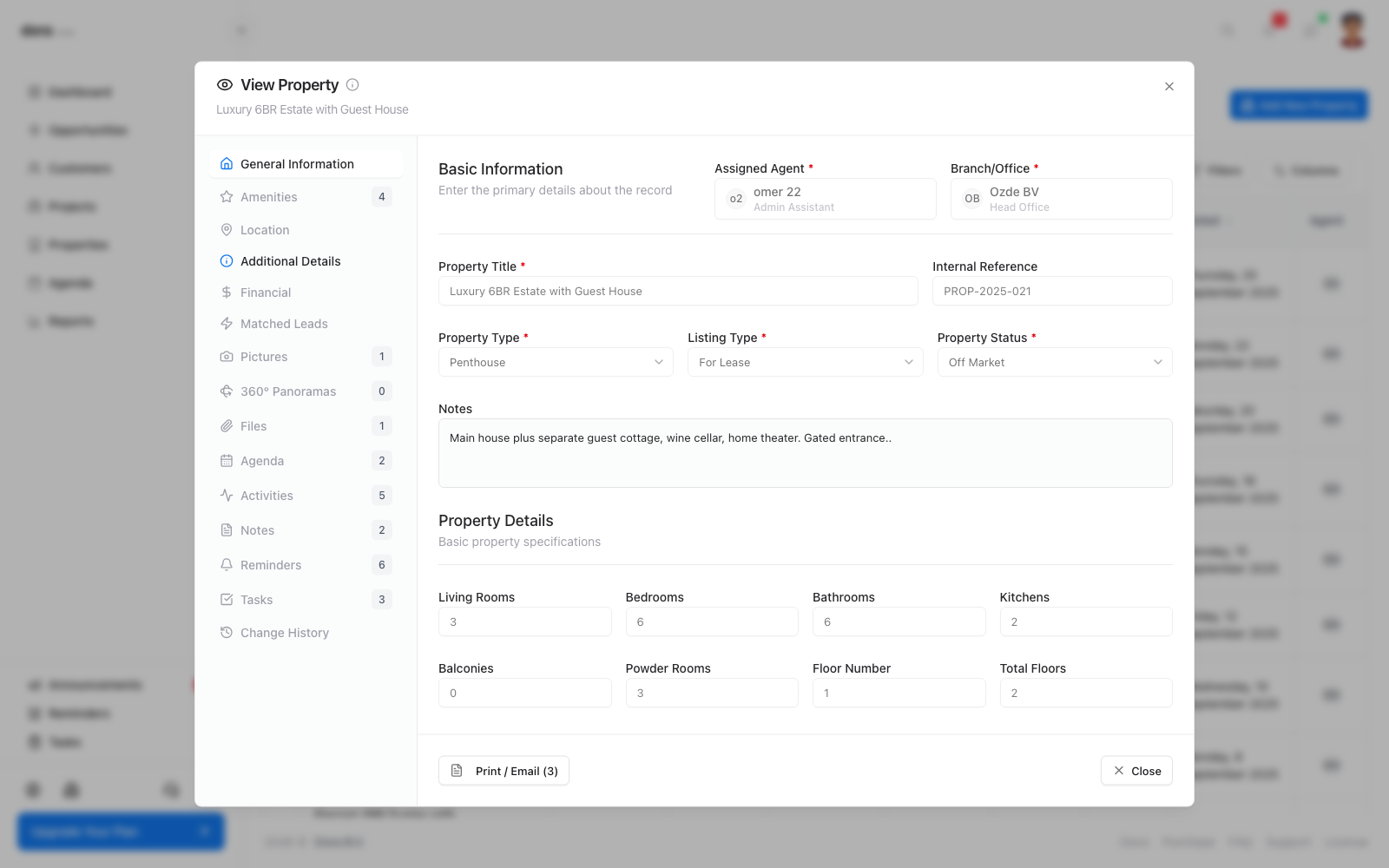
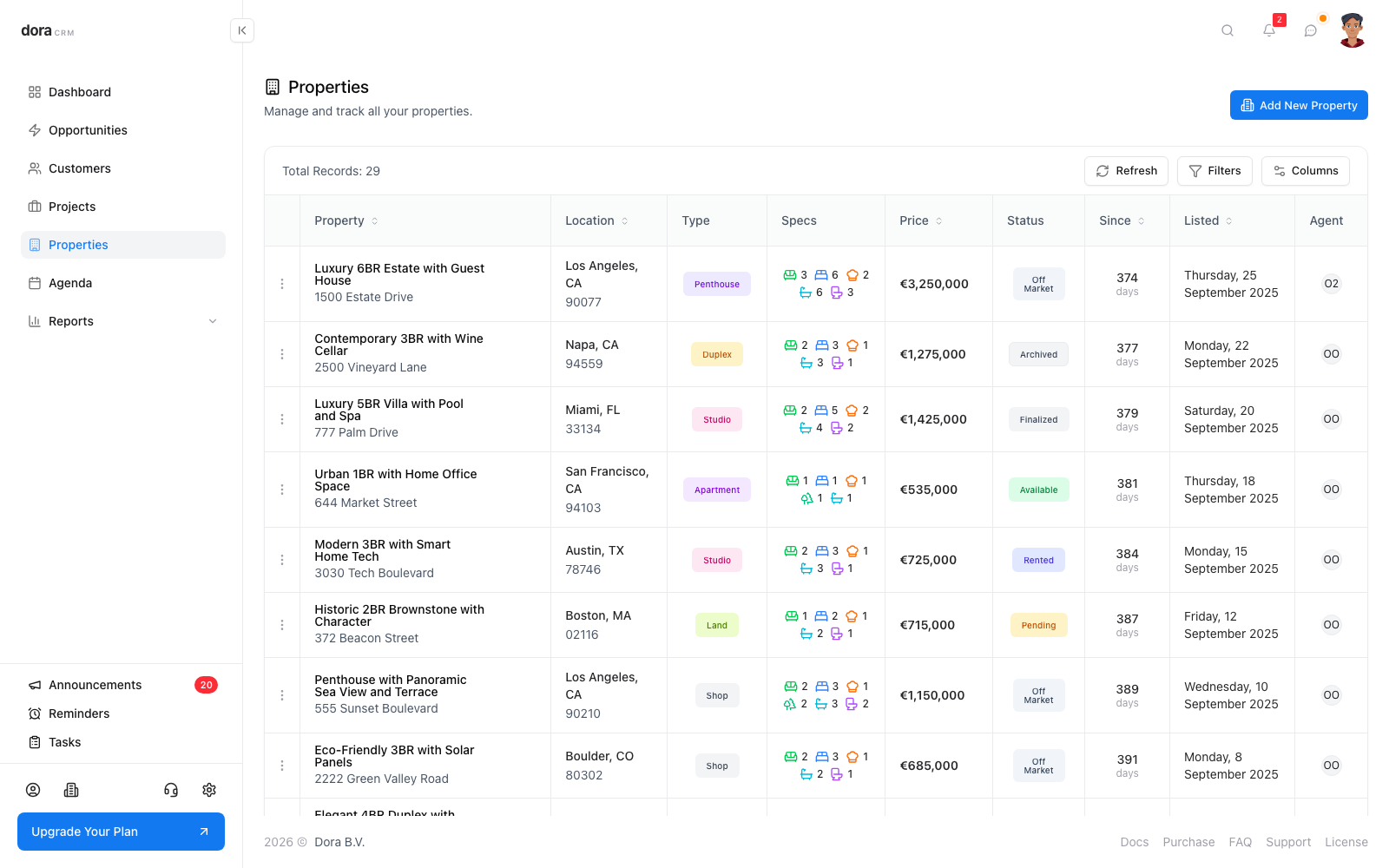
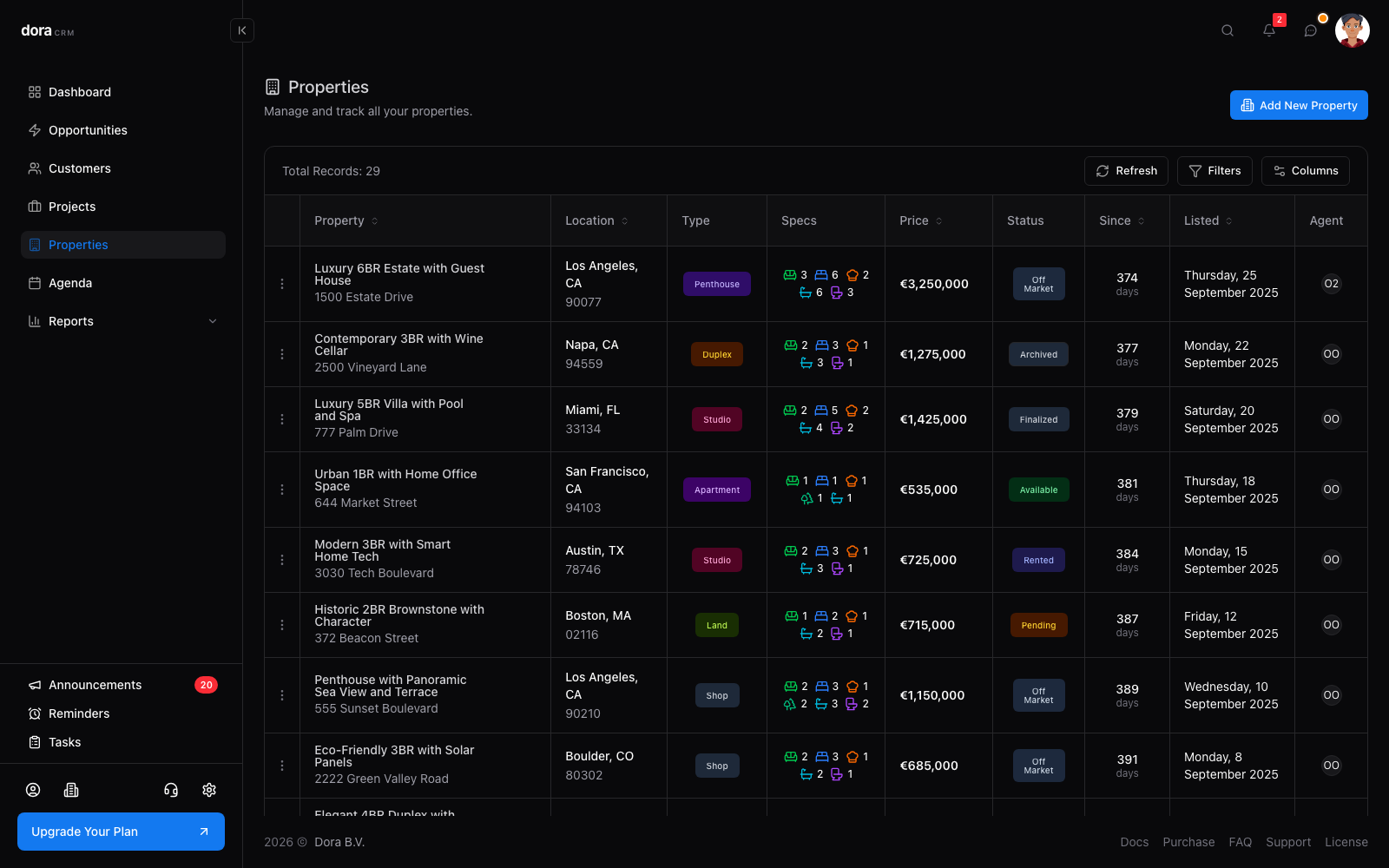
Classify properties by type, listing type, status, condition and legal status, with financial details and viewing and inquiry counters.
Matching
See recommended properties on opportunities and customers, and the matching leads for each property.
Property presentation
Everything you need to present and manage a listing.
Map location
Show each property on a Google Map and search for addresses while you enter them.
Image galleries
Keep an image gallery on properties, customers and projects.
360° panoramas
Upload equirectangular 360° images (JPEG or PNG, up to 50 MB) and view them as interactive panoramas.
Documents
Store property documents with the record so everything for a listing is in one place.
Daily workflow
Plan follow-ups and keep context on every record.
Agenda
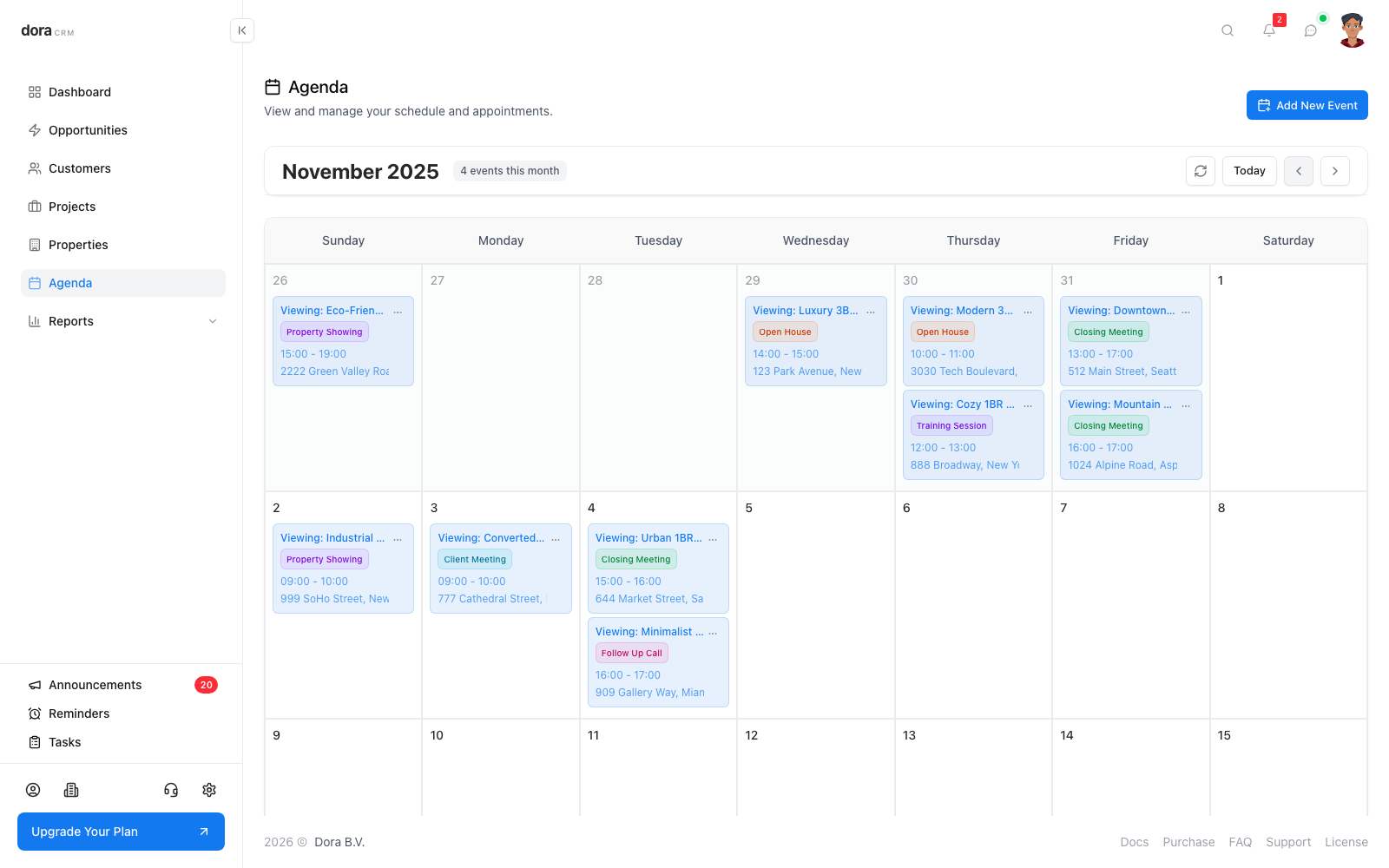
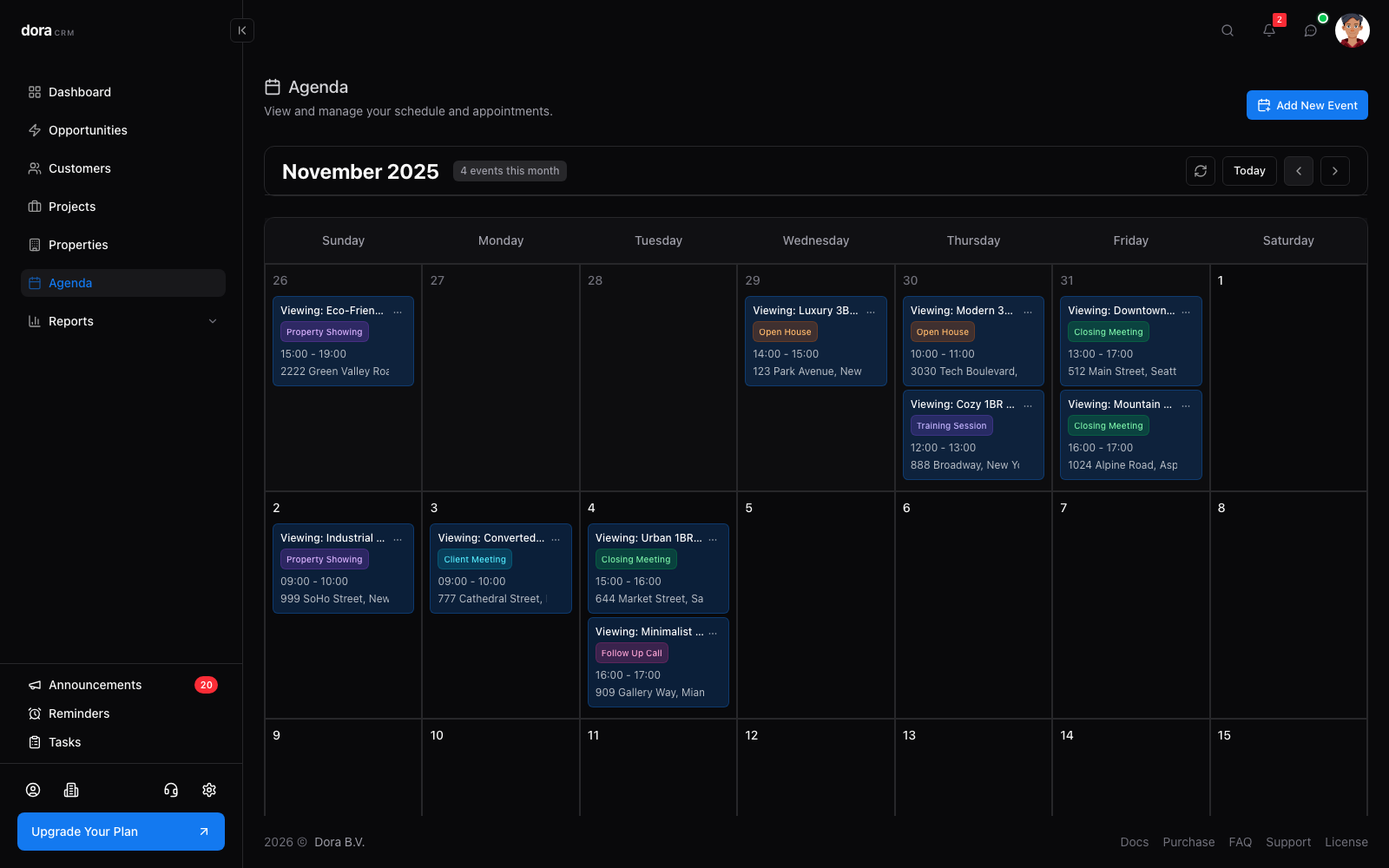
Schedule meetings and viewings on a calendar and link each event to the opportunity, customer, project or property it belongs to.
Tasks
Create and assign tasks with completion tracking, directly on the record they relate to.
Reminders
Set reminders on records so follow-ups do not slip through.
Notes
Capture notes on any record so the whole team shares the context.
Activities
Log activities against records to build a clear history of every interaction.
File attachments
Attach files to customers, projects and properties and open them in the built-in viewer.
Change history
Review the change history of a record to see what was changed.
Insights and documents
Understand performance and produce paperwork faster.
Reports
More than 30 reports across opportunities, properties, customers, sales, projects, activities, calendar and team performance. Save them as CSV, Excel or PDF.
Document templates
Build templates with merge fields for customers, projects, properties and opportunities, then print, download or save the result to the record's files.
Global search
Find customers, properties, projects, opportunities and activities from a single search dialog.
Collaboration
Work together and stay informed.
Team chat
Message colleagues one to one or in groups without leaving the CRM.
Notifications
Get in-app notifications for reminders, assignments, mentions and updates.
Announcements
Read announcements from the platform, your organization and your branch in one place.
Support tickets
Open support tickets from inside the app and follow the conversation until they are resolved.
Team and access
Control who can see and do what.
Roles and permissions
Define roles with granular permissions per record type and action, scoped to your own records, your branch or the whole organization.
Branches
Organize offices as branches and compare their performance in reports.
Team members
Invite team members and manage them from one place, including pending invitations.
Custom attributes
Adapt statuses, sources, types and other lists to the way your agency works.
Security
Protect your data and your accounts.
Two-factor authentication
Protect accounts with an authenticator app and backup codes for recovery.
Secure passwords
Industry-standard password requirements help keep every account protected.
Security audit
Review sign-in events, security alerts and activity by employee in dedicated audit reports.
Personalization
Make Dora fit the way you work.
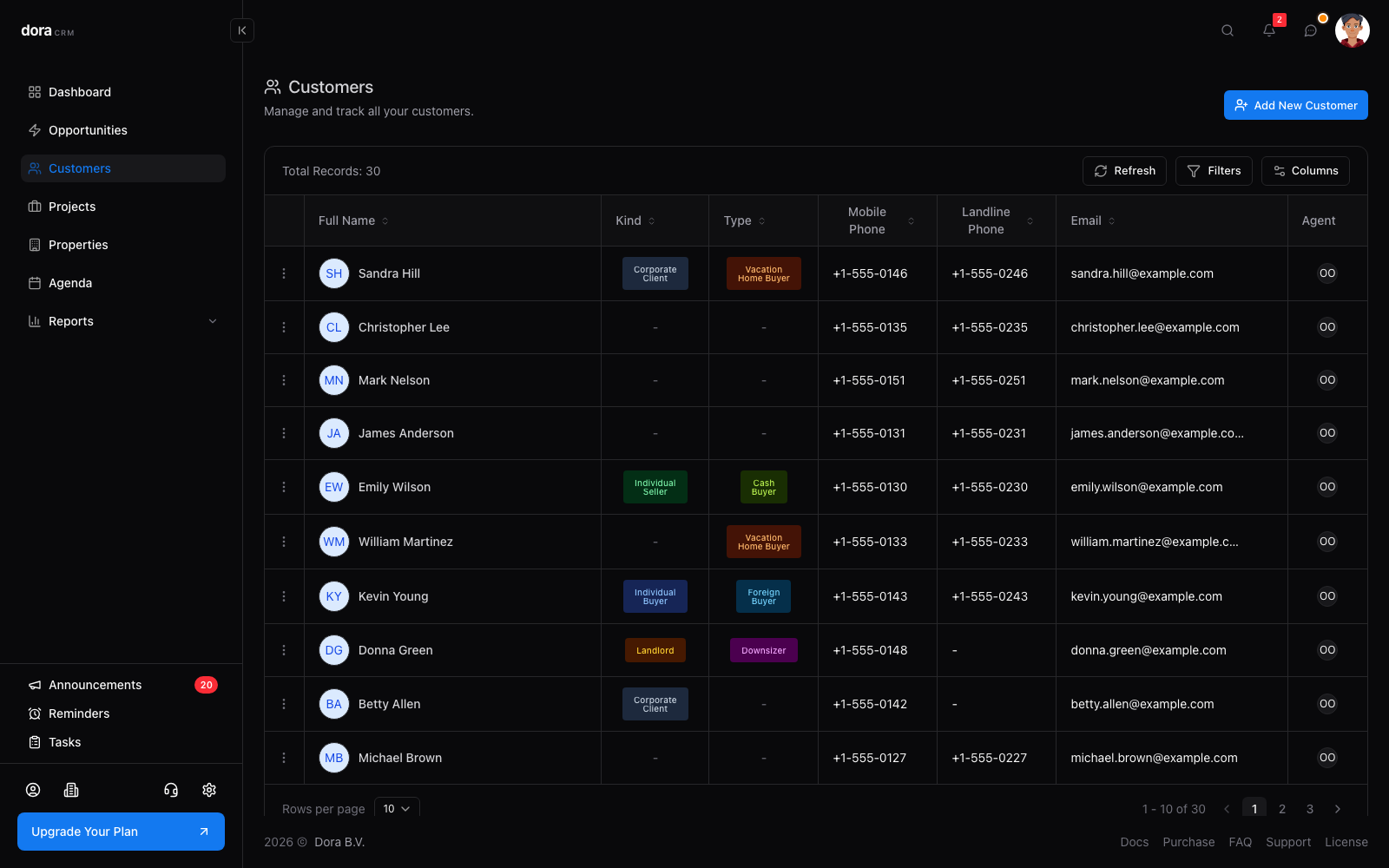
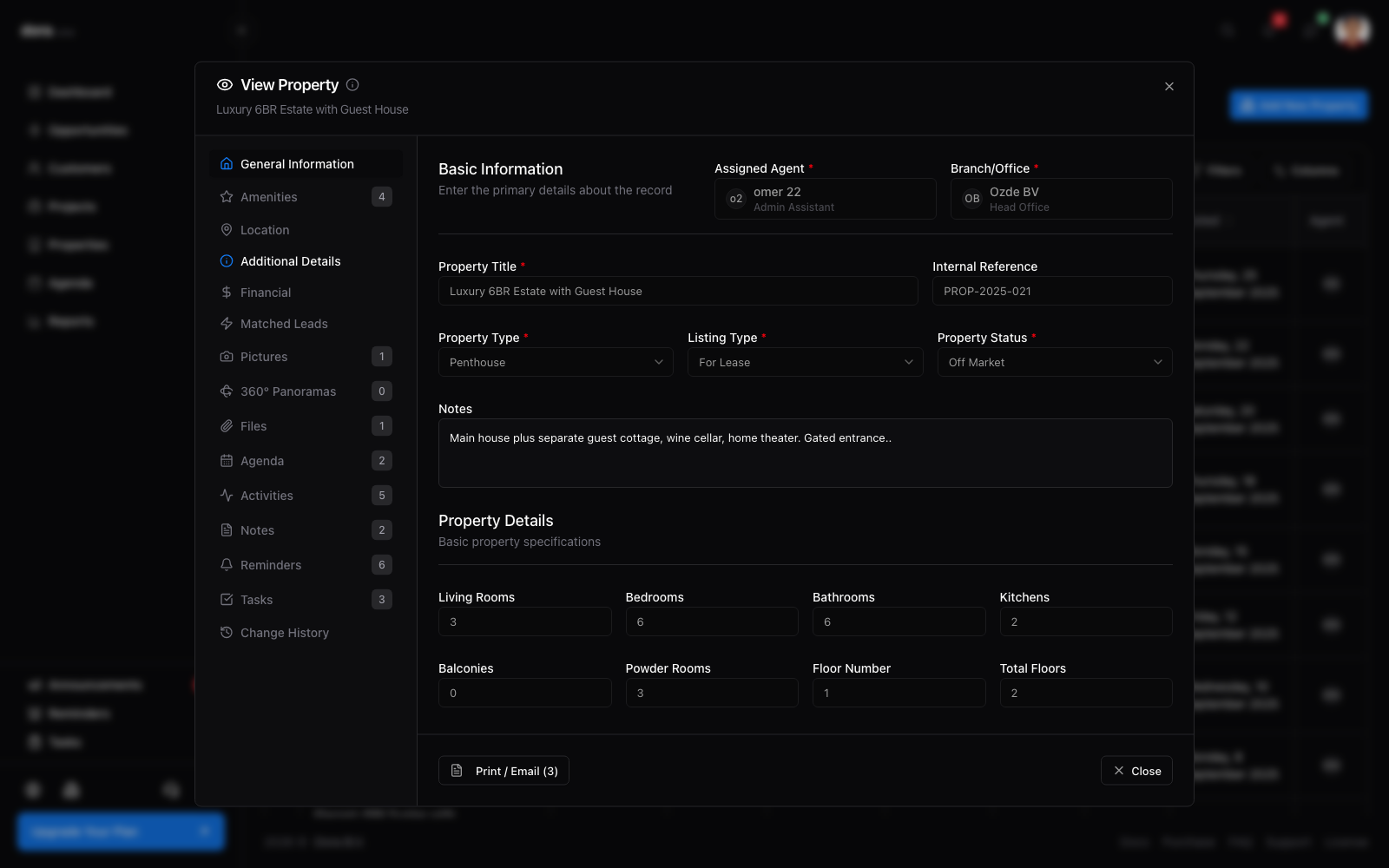
Light and dark themes
Switch between light and dark themes to suit your screen and environment.
Multiple languages
Use the app in your own language.
Personal preferences
Each member can set their own timezone, currency and measurement preferences.
A look inside
Screens from the Dora CRM app.
Ready to see it in action?
Sign in to your Dora CRM account, or create one from the sign-in page.